升级
🌐 Upgrades
Page summary:Strapi 会定期发布带有改进的新版本。在管理面板或终端中找到你当前的版本,然后按照 Strapi 从 v4 升级到 v5 的指南进行操作,或使用升级工具进行 v5.x 更新。
🌐 Strapi periodically releases new versions with improvements. Find your current version in the admin panel or terminal, then follow the upgrade guide for Strapi v4 to v5 migration or use the upgrade tool for v5.x updates.
Strapi 会通过新版本定期发布代码改进。新的 Strapi 版本会在终端和管理面板中发布,并 GitHub release notes 列出每个新版本的新内容。
Strapi 核心团队发布的最新 Strapi 版本号可以在 npm 或 GitHub上找到。
当发布新版本的 Strapi 时,你可能需要升级,当前页面是有关升级信息的入口点。
🌐 When a new version of Strapi is released, you might want to upgrade, and the present page serves as an entry point for information about upgrading.
我如何找到我当前的 Strapi 版本号?
你可以找到 Strapi 应用的当前版本号:
🌐 You can find the current version number of your Strapi application:
-
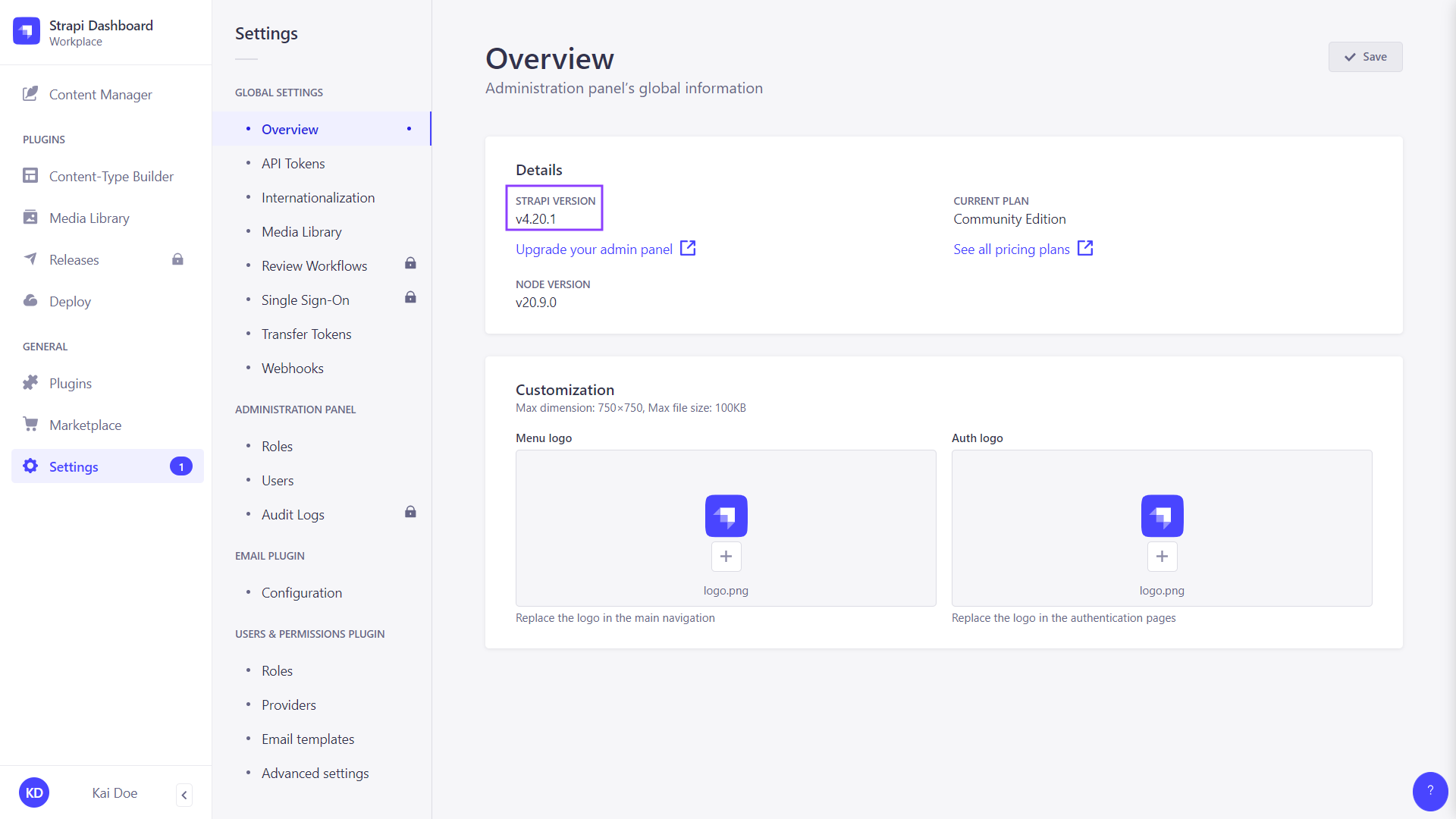
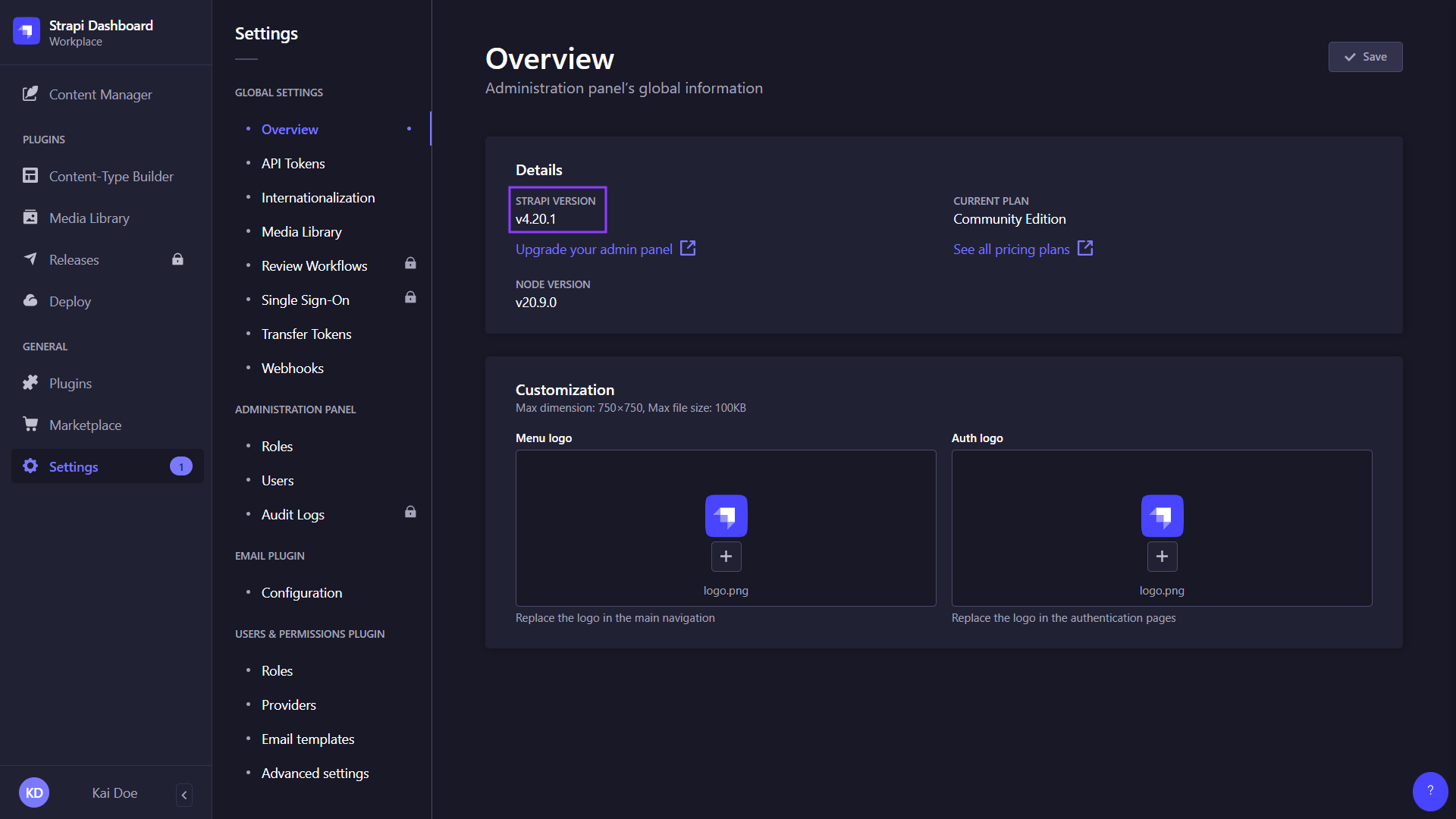
可以在管理面板中,通过进入 设置 > 全局设置 > 概览 并查看“详细信息”部分显示的 Strapi 版本号:
-
或者在终端中运行
yarn strapi version或npm run strapi version,从你的 Strapi 项目所在的文件夹执行。
根据你的使用情况单击以下两张卡片之一:
🌐 Click on one of the 2 following cards depending on your use case:
我正在运行 Strapi v4,并且想升级到 Strapi 5。
升级到 Strapi 5(Strapi 的最新主要版本)所需了解的所有内容。
我已经在运行 Strapi 5,想升级到最新版本。
你需要知道的所有信息,以使用自动升级工具,该工具可以将 Strapi v4 升级到 Strapi 5,或将现有的 Strapi 5.x.x 版本升级到更高版本。