欢迎使用 Strapi CMS 文档!
🌐 Welcome to the Strapi CMS Documentation!
Page summary:Strapi 5 是一个开源的无头 CMS,开发者可以通过可扩展的管理面板构建自定义应用并管理内容,该面板内置基于角色的访问控制。
🌐 Strapi 5 is an open-source headless CMS where developers can build custom applications and manage content through an extensible admin panel with built-in role-based access control.
Strapi CMS 文档侧重于 Strapi 5,并将带你完成 Strapi 5 项目的完整旅程。从与项目的设置、高级使用、自定义和更新相关的技术信息,到管理员面板及其内容和用户的管理。
🌐 The Strapi CMS documentation focuses on Strapi 5 and will take you through the complete journey of your Strapi 5 project. From the technical information related to the setup, advanced usage, customization and update of your project, to the management of the admin panel and its content and users.
If you're totally new to Strapi , we suggest you to:
- 前往快速入门指南。
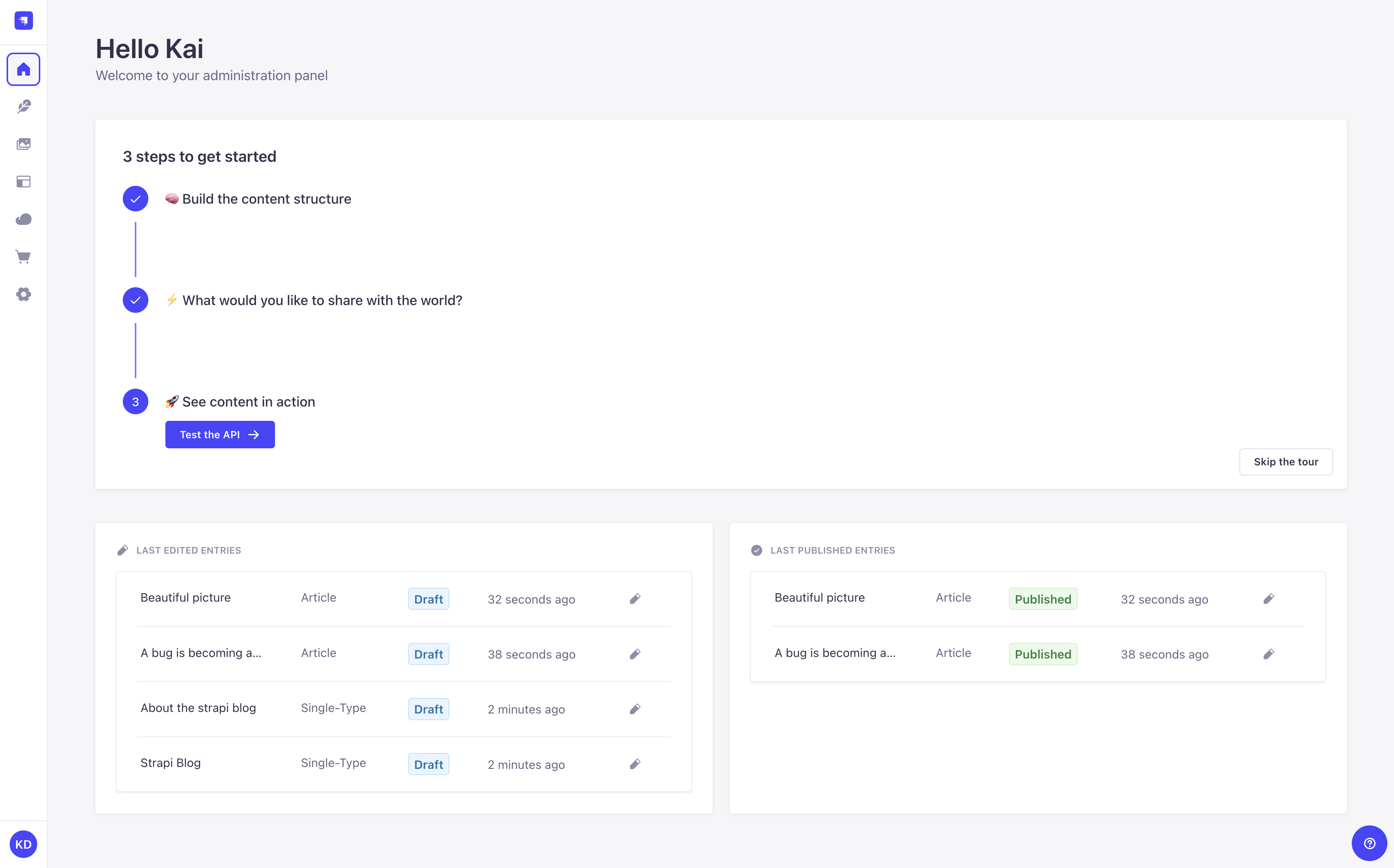
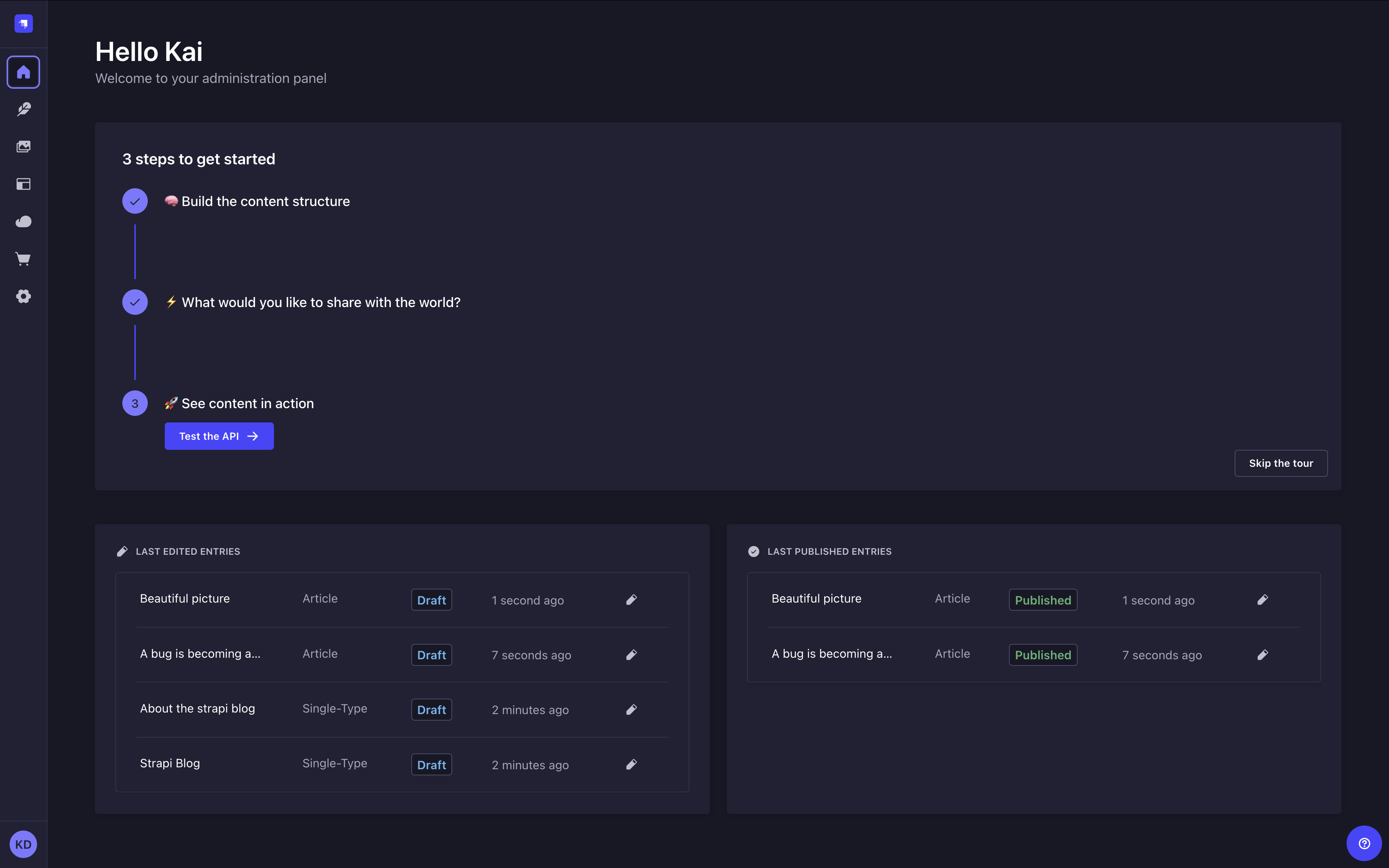
- 了解管理面板以及 Strapi CMS 的两个主要部分:内容管理器和内容类型构建器。
- 浏览可用的 Strapi 功能,每个功能都有单独的页面进行完整文档说明。也许你会对草稿与发布、国际化或静态预览感兴趣?
Strapi CMS 文档的目录显示了 7 个主要部分,顺序应对应你使用产品的过程。点击卡片即可跳转到该部分的介绍,或该部分最常阅读的页面。
🌐 The table of content of the Strapi CMS documentation displays 7 main sections in an order that should correspond to your journey with the product. Click on the cards to be redirected to the introduction of the section, or to the most read page of that section.
入门
安装并部署 Strapi,然后开始使用管理面板。推荐初学者阅读!
特性
了解 Strapi 的功能,以及如何配置和使用它们。
应用接口
通过 REST、GraphQL 和 Strapi 的底层 API 查询你的内容。
配置
按照说明处理项目的基本和附加配置。
发展
自定义 Strapi 服务器和管理面板。了解适合你项目的最先进选项。
插件
使用 Strapi 内置插件或开发你自己的插件。
升级
将你的应用升级到最新的 Strapi 版本。
- 如果你已经确切知道要搜索的内容,请使用搜索栏或使用内容表导航。
- 如果你更希望在查看项目代码结构的同时了解更多关于 Strapi 的信息,你可以使用互动的 项目结构 页面。
- 如果你更喜欢演示,可以随意观看 video demo,或者你可以请求一个 live demo。
- 试试我们的 AI 助手:点击或点击 Ask AI 按钮,用自然语言提问。观看它实时回答你的问题,然后阅读推荐的来源以获取更多详情。
- 为了帮助你将 Strapi 文档与你喜欢的 AI 模型集成,你可以使用每个页面顶部的下拉菜单来复制 Markdown,或访问
llms.txt和llms-full.txt页面。
CMS 文档的某些部分(例如 API、配置、开发)主要面向开发者,并假设开发者对 JavaScript 生态系统有一定的了解。
🌐 Some parts of the CMS documentation (e.g. APIs, Configuration, Development) are mostly intended to developers and assume some prior knowledge of the JavaScript ecosystem.
如果你在探索 Strapi 的同时也开始了 JavaScript 网络开发的第一步,我们鼓励你更多地阅读 JavaScript 和 npm。如果与你的项目相关,你还可以在深入研究 CMS 文档的这些技术部分之前学习 TypeScript 。
付费计划的客户可以通过 Strapi Support platform联系Strapi团队。社区用户可以在 GitHub Discussions 或 Discord上提问。