设置管理面板
Page summary:管理面板是你管理内容类型、内容和用户的地方。通过应用 URL 访问它,可选择使用 SSO,然后配置你的管理员资料,包括名称、电子邮件、语言和密码。
🌐 The admin panel is where you manage content-types, content, and users. Access it via the app URL, optionally using SSO, then configure your administrator profile including name, email, language, and password.
在介绍各个功能之前,我们建议按照以下步骤正确设置和配置你的 Strapi 管理面板。完成设置后,你可以通过提供的 URL 访问管理面板。
🌐 Before going over individual features, we recommend the following steps to set up and configure your Strapi admin panel correctly. Once you complete the setup, you can access the admin panel through the provided URL.
访问管理面板
🌐 Accessing the admin panel
管理面板是你的 Strapi 应用的后台。从管理面板,你将能够管理内容类型,并撰写它们的实际内容。你还将通过管理面板管理用户,包括 Strapi 应用的管理员和终端用户。
🌐 The admin panel is the back office of your Strapi application. From the admin panel, you will be able to manage content-types, and write their actual content. It is also from the admin panel that you will manage users, both administrators and end users of your Strapi application.
为了访问管理面板,你的 Strapi 应用必须已启动,并且你必须知道其管理面板的 URL(例如 api.example.com/admin)。
🌐 In order to access the admin panel, your Strapi application must be launched, and you must be aware of the URL to its admin panel (e.g. api.example.com/admin).
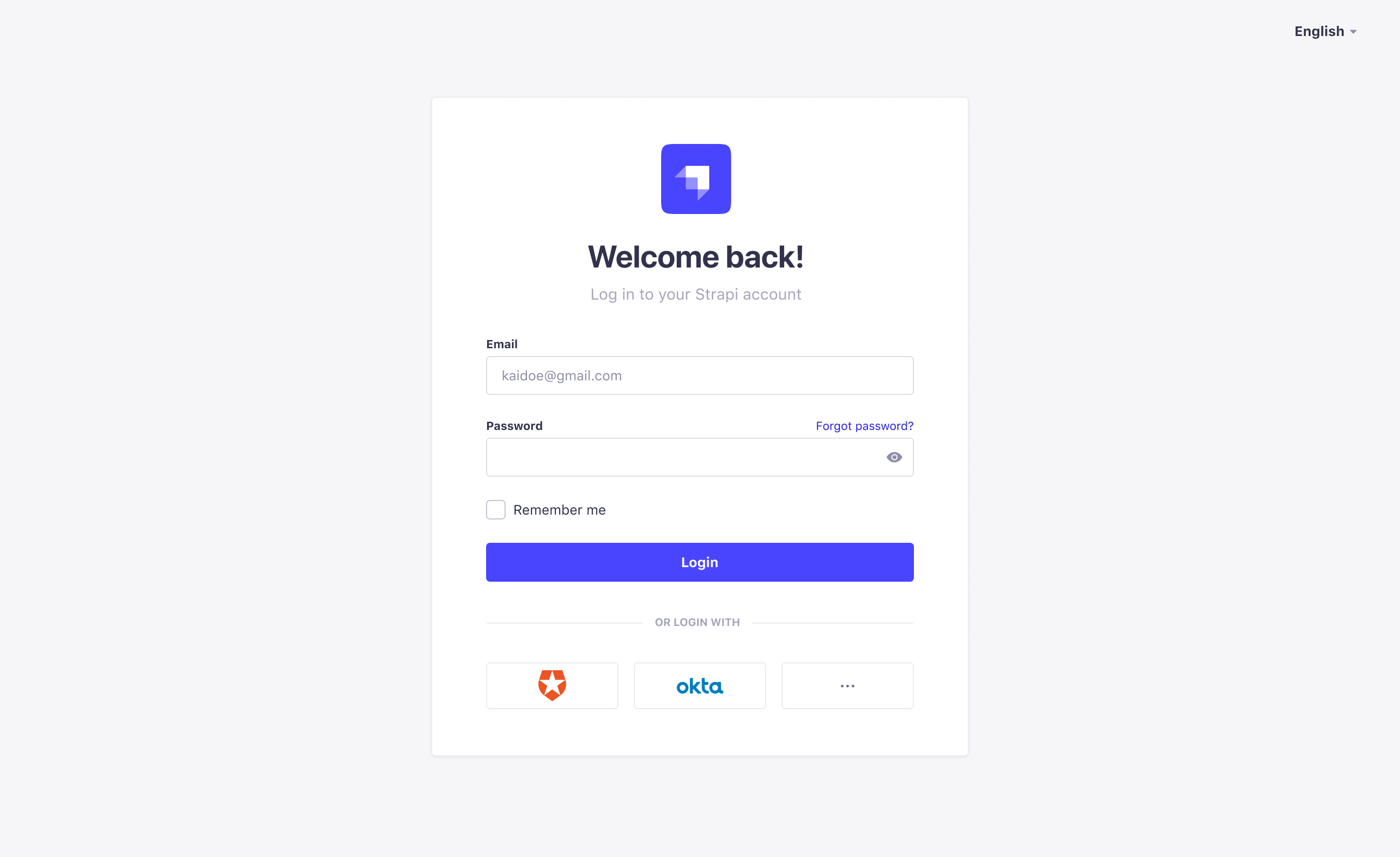
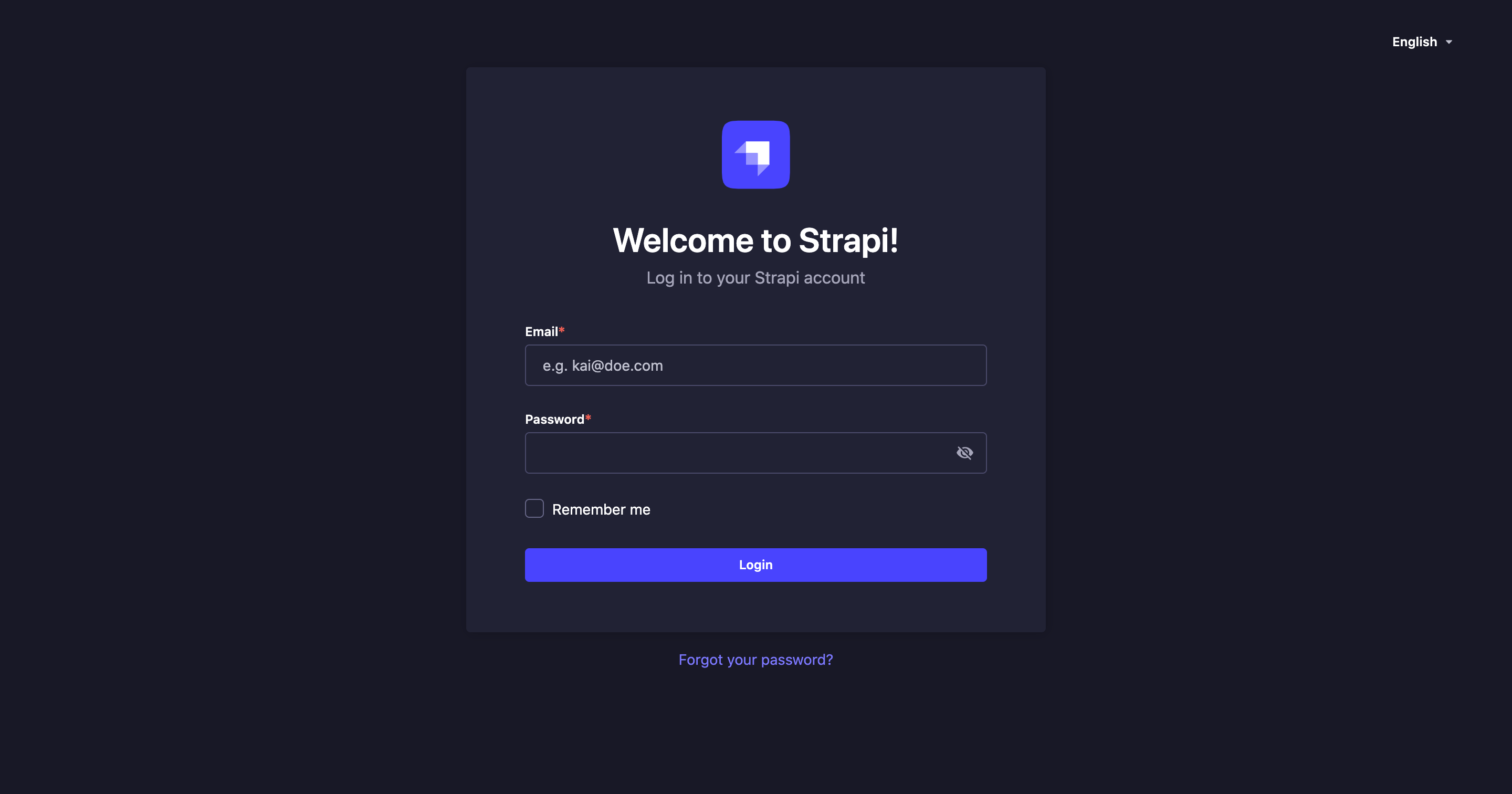
要访问管理面板:
🌐 To access the admin panel:
- 转至 Strapi 应用管理面板的 URL。
- 输入你的凭据以登录。
- 点击 登录 按钮。你应该会被重定向到管理面板的主页。
使用 SSO 进行身份验证
🌐 Using SSO for authentication
EnterpriseThis feature is available with an Enterprise plan. SSOThis feature is available with the SSO add-on.如果你的 Strapi 应用配置为允许通过 SSO 进行身份验证(参见 配置单点登录),你可以使用特定提供商访问管理面板,而无需使用常规 Strapi 管理员账户登录。
🌐 If your Strapi application was configured to allow authentication through SSO (see Configuring Single Sign-On), you can access the admin panel using a specific provider instead of logging in with a regular Strapi administrator account.
要执行此操作,在你的 Strapi 应用的登录页面上,点击选择的提供商。如果你看不到你的提供商,请点击 按钮以访问所有可用提供商的完整列表。你将被重定向到提供商自己的登录页面,在那里你将能够进行身份验证。
设置你的管理员配置文件
🌐 Setting up your administrator profile
如果你是新管理员,我们建议在深入使用 Strapi 应用之前,先确保你的个人资料已设置完整。在你的管理员个人资料中,你可以修改你的用户信息,例如名称、用户名、电子邮件或密码。你还可以选择 Strapi 应用界面的语言。
🌐 If you are a new administrator, we recommend making sure your profile is all set, before diving into your Strapi application. From your administrator profile, you are able to modify your user information, such as name, username, email or password. You can also choose the language of the interface for your Strapi application.
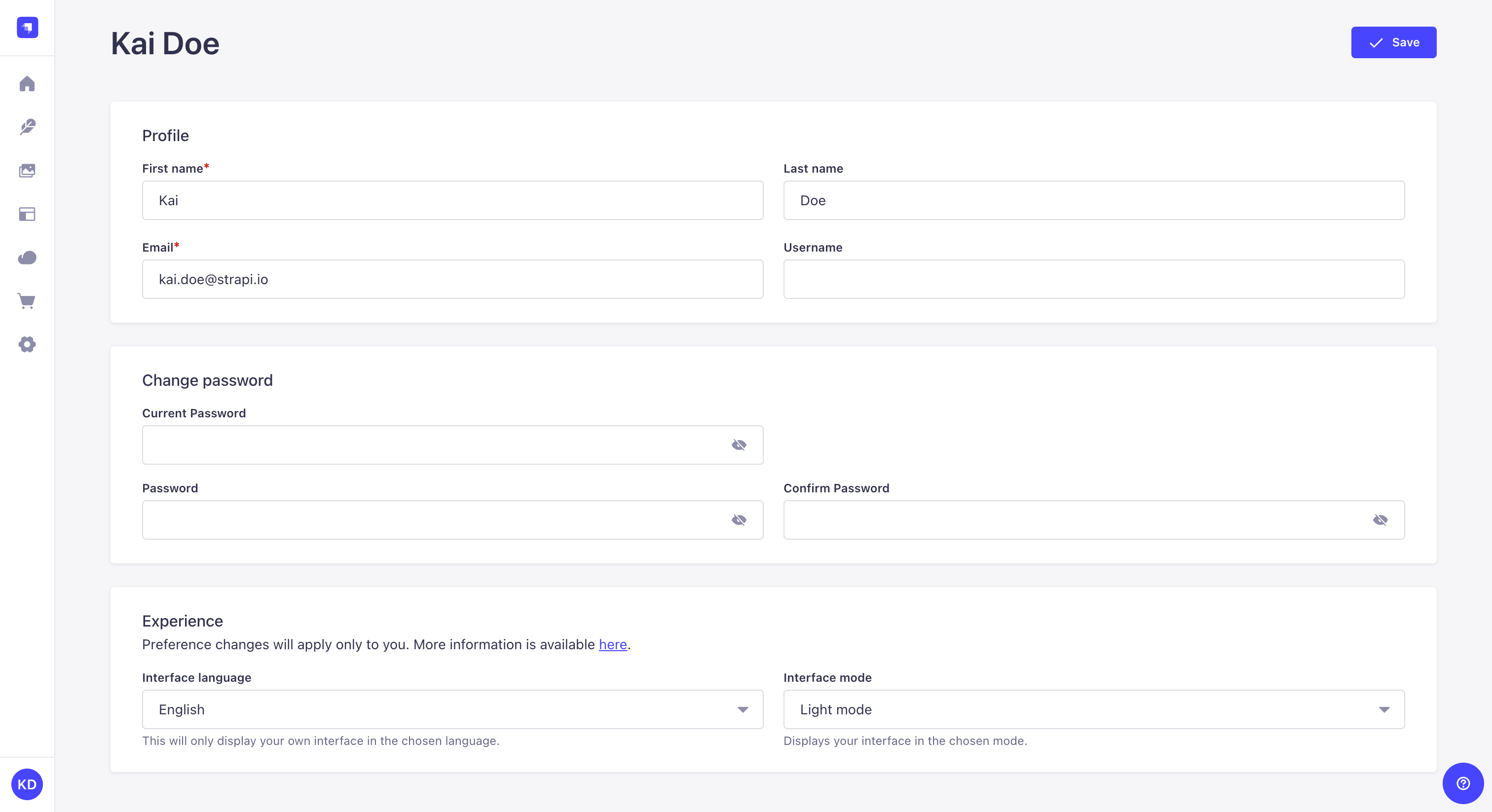
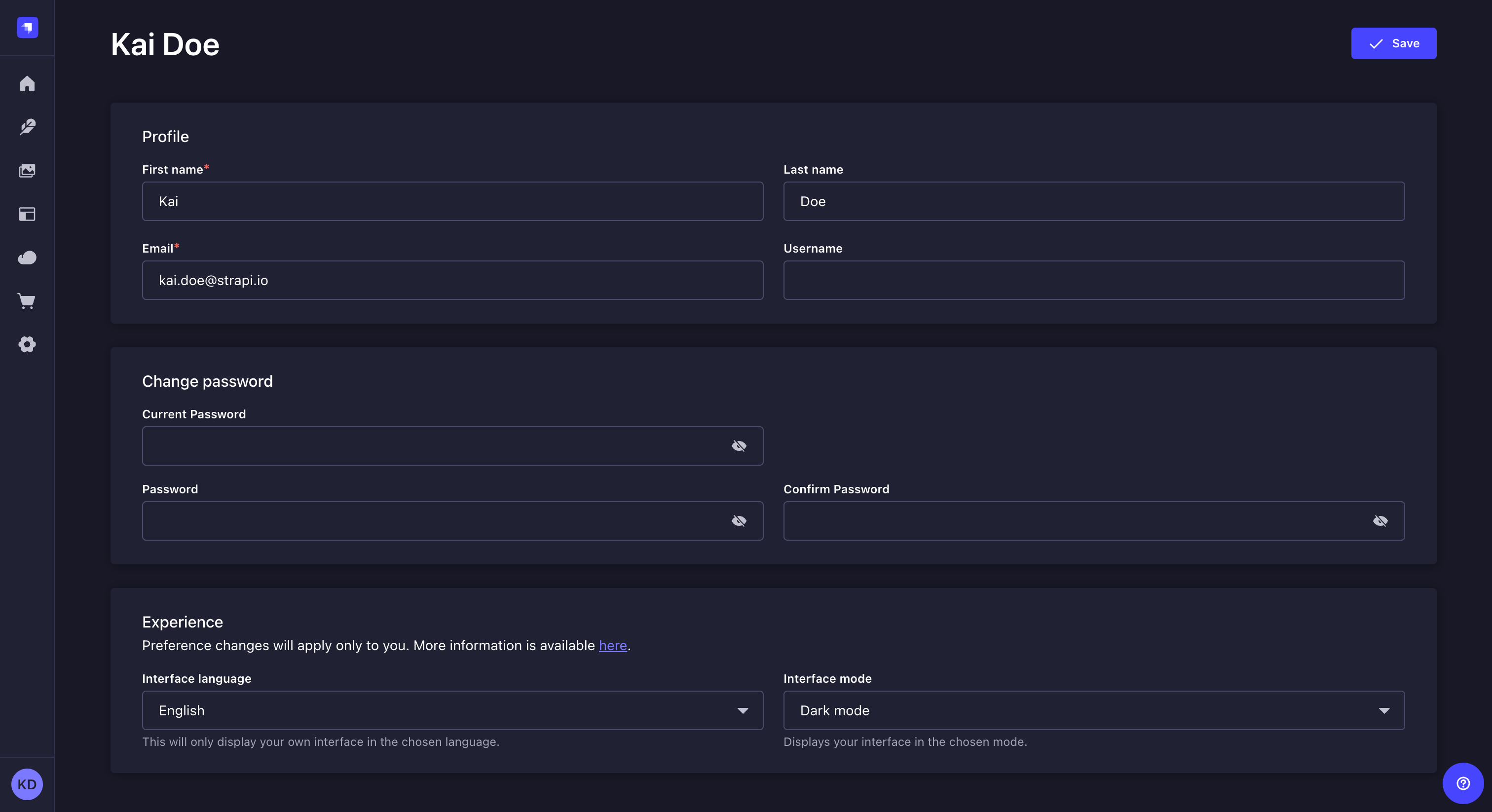
修改你的用户信息:
🌐 To modify your user information:
- 单击 Strapi 应用主导航左下角的账户名或缩写。
- 在下拉菜单中,点击 个人资料。
- 修改你选择的信息:
| 个人资料与经验 | 说明 |
|---|---|
| 名字 | 在文本框中填写你的名字。 |
| 姓氏 | 在文本框中填写你的姓氏。 |
| 电子邮件 | 在文本框中填写你的完整电子邮件地址。 |
| 用户名 | (可选)在文本框中填写一个用户名。 |
| 界面语言 | 在下拉列表中,为你的 Strapi 应用界面选择一种语言。 |
| 界面模式 | 在下拉列表中,为你的 Strapi 应用界面选择一种模式:“浅色模式”或“夜间模式”。请注意,默认情况下,Strapi 应用选择的模式基于浏览器的模式。 |
- 点击 保存 按钮。
更改你的密码
🌐 Changing your password
要更改你的账户密码:
🌐 To change the password of your account:
- 转到你的管理员个人资料。
- 填写密码相关选项:
| 密码修改 | |
|---|---|
| 当前密码 | 在文本框中输入你当前的密码。 💡 你可以点击 图标显示密码。 |
| 密码 | 在文本框中输入新密码。 💡 你可以点击 图标显示密码。 |
| 确认密码 | 在文本框中输入相同的新密码。 💡 你可以点击 图标显示密码。 |
- 点击 保存 按钮。
恭喜你成为新的 Strapi 用户!你现在已经可以开始探索 Strapi 提供的所有功能和选项了!
🌐 Congratulations on being a new Strapi user! You're now ready to discover all the features and options that Strapi has to offer!