云部署历史和日志
🌐 Cloud deployment history and logs
Page summary:部署选项卡列出每个构建的状态,并允许深入检查构建和部署日志。
对于每个 Strapi Cloud 项目,你可以访问所有已发生部署的历史记录及其详细信息,包括构建和部署日志。此信息可在 部署 选项卡中查看。
🌐 For each Strapi Cloud project, you can access the history of all deployments that occurred and their details including build and deployment logs. This information is available in the Deployments tab.
查看部署历史记录
🌐 Viewing the deployment history
在部署选项卡中显示了按时间顺序排列的卡片列表,其中包含你项目的所有历史部署的详细信息。
🌐 In the Deployments tab is displayed a chronological list of cards with the details of all historical deployments for your project.
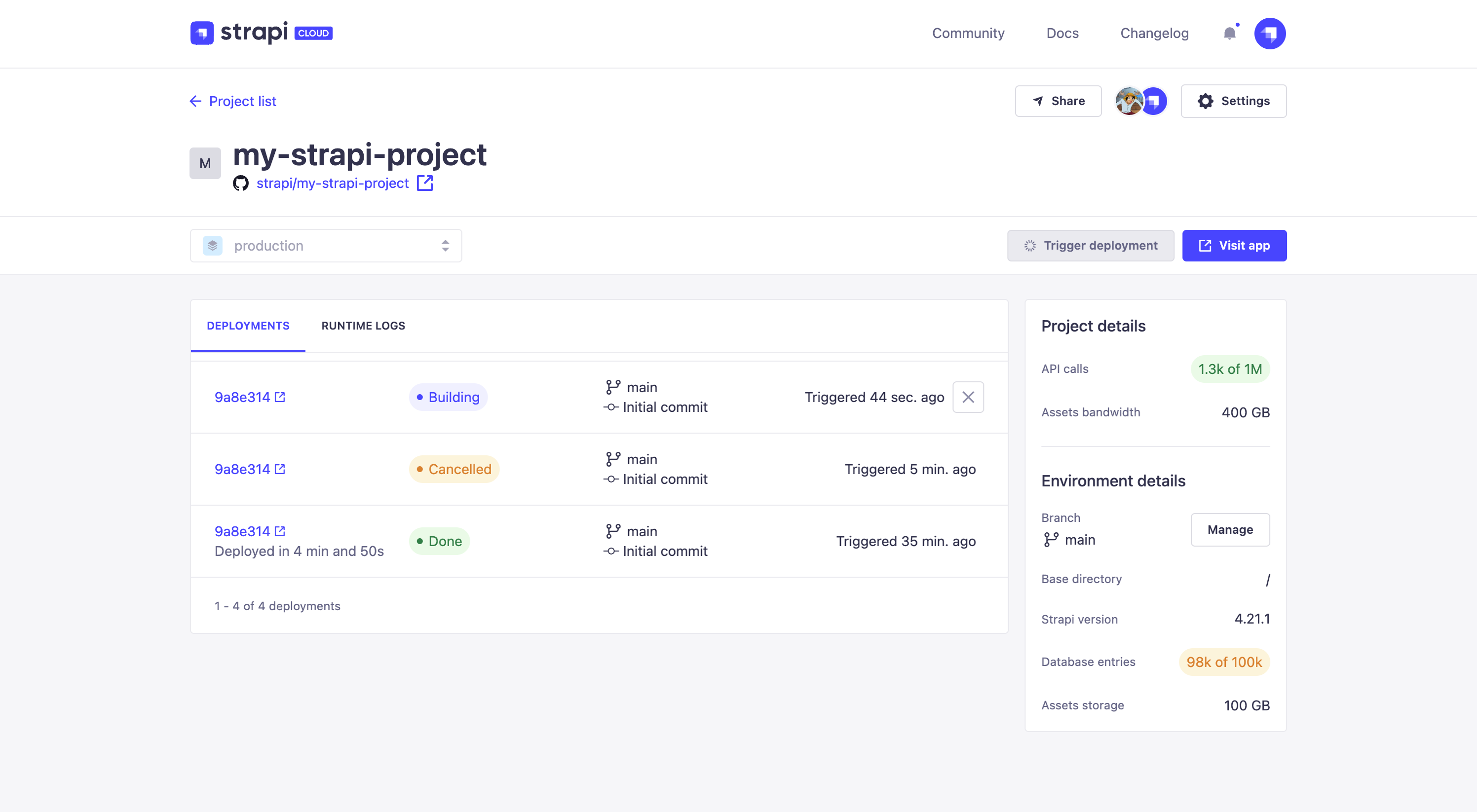
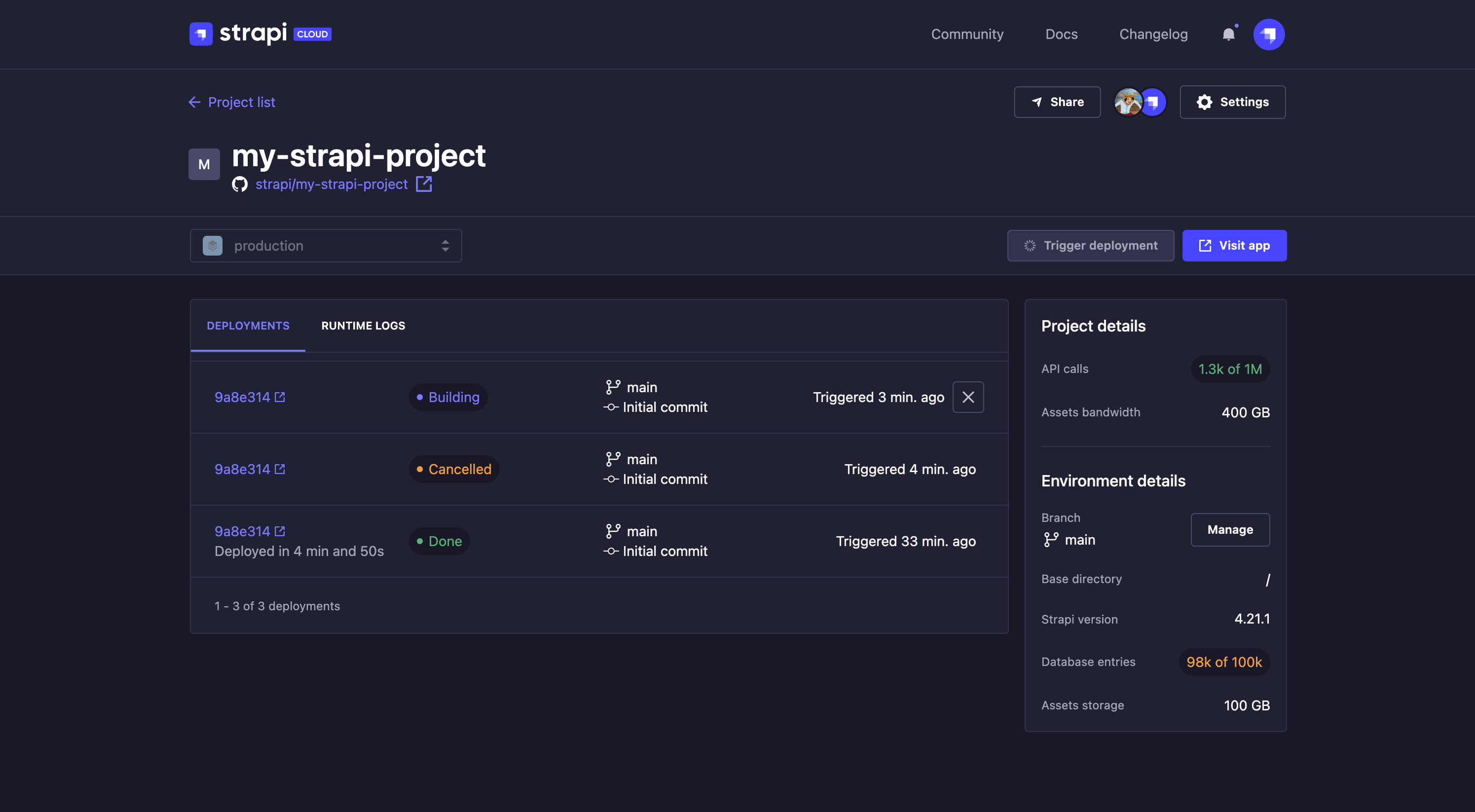
每张卡片显示以下信息:
🌐 Each card displays the following information:
- 提交 SHA ,带有指向你的 git 提供者的直接链接,以及提交信息
- 部署状态:
- 部署
- 完成
- 已取消
- 构建失败
- 部署失败
- 上次部署时间(部署触发时间及持续时间)
- 分支
访问部署详情和日志
🌐 Accessing deployment details & logs
在 Deployments 标签页中,你可以将鼠标悬停在部署卡片上,使  显示详情 按钮出现。点击此按钮将重定向到包含部署详细日志的 Deployment details 页面。
🌐 From the Deployments tab, you can hover a deployment card to make the Show details button appear. Clicking on this button will redirect you to the Deployment details page which contains the deployment's detailed logs.
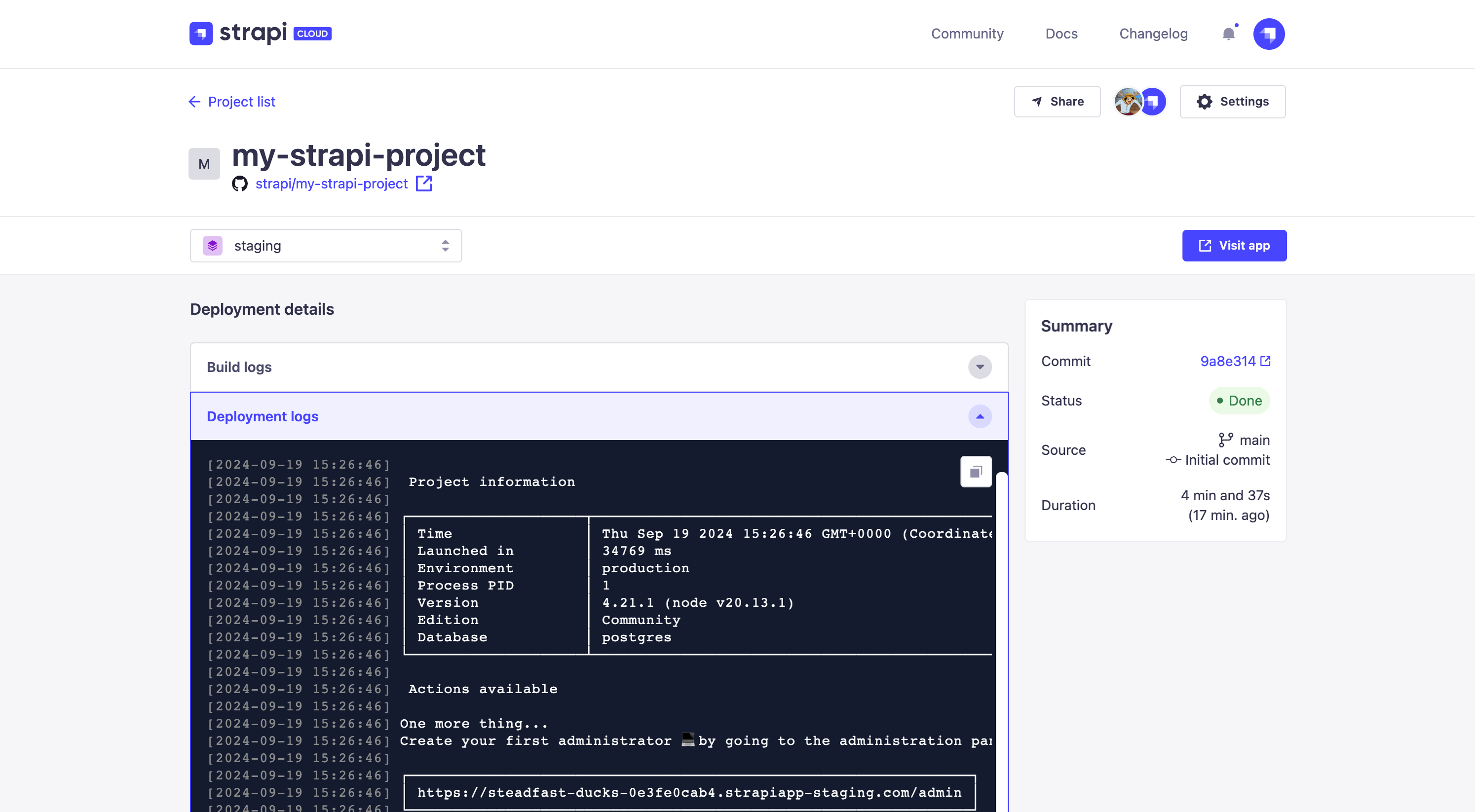
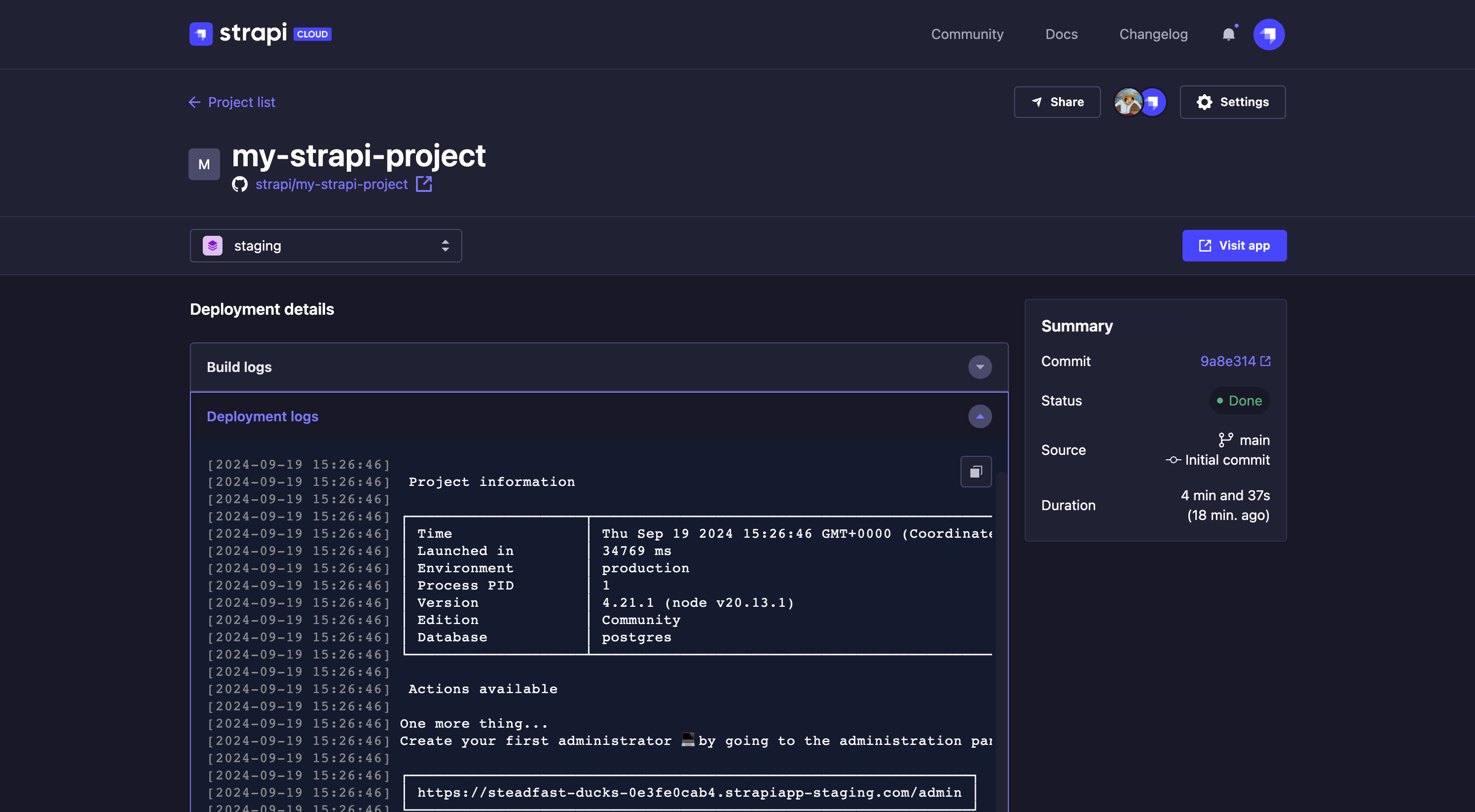
在页面的构建日志和部署日志部分,你可以点击箭头按钮 
 来显示或隐藏部署的构建和部署日志。
🌐 In the Build logs and Deployment logs sections of the page you can click on the arrow buttons to show or hide the build and deployment logs of the deployment.
点击  复制到剪贴板 按钮以复制日志内容。
🌐 Click the Copy to clipboard button to copy the log contents.
在部署详情页面的右侧,还显示以下信息:
🌐 In the right side of the Deployment details page is also displayed the following information:
- 提交: 提交 SHA ,并提供指向你的 git 提供者的直接链接,以及用于此部署的提交信息
- 状态,可以是 构建中、部署中、完成、已取消、构建失败 或 部署失败
- 来源: 此次部署的分支和提交信息
- 持续时间:部署所花费的时间以及发生的时间