云配置文件设置
🌐 Cloud profile settings
Page summary:个人资料页面的设置包括账户详情、已连接的账户以及账户删除选项。
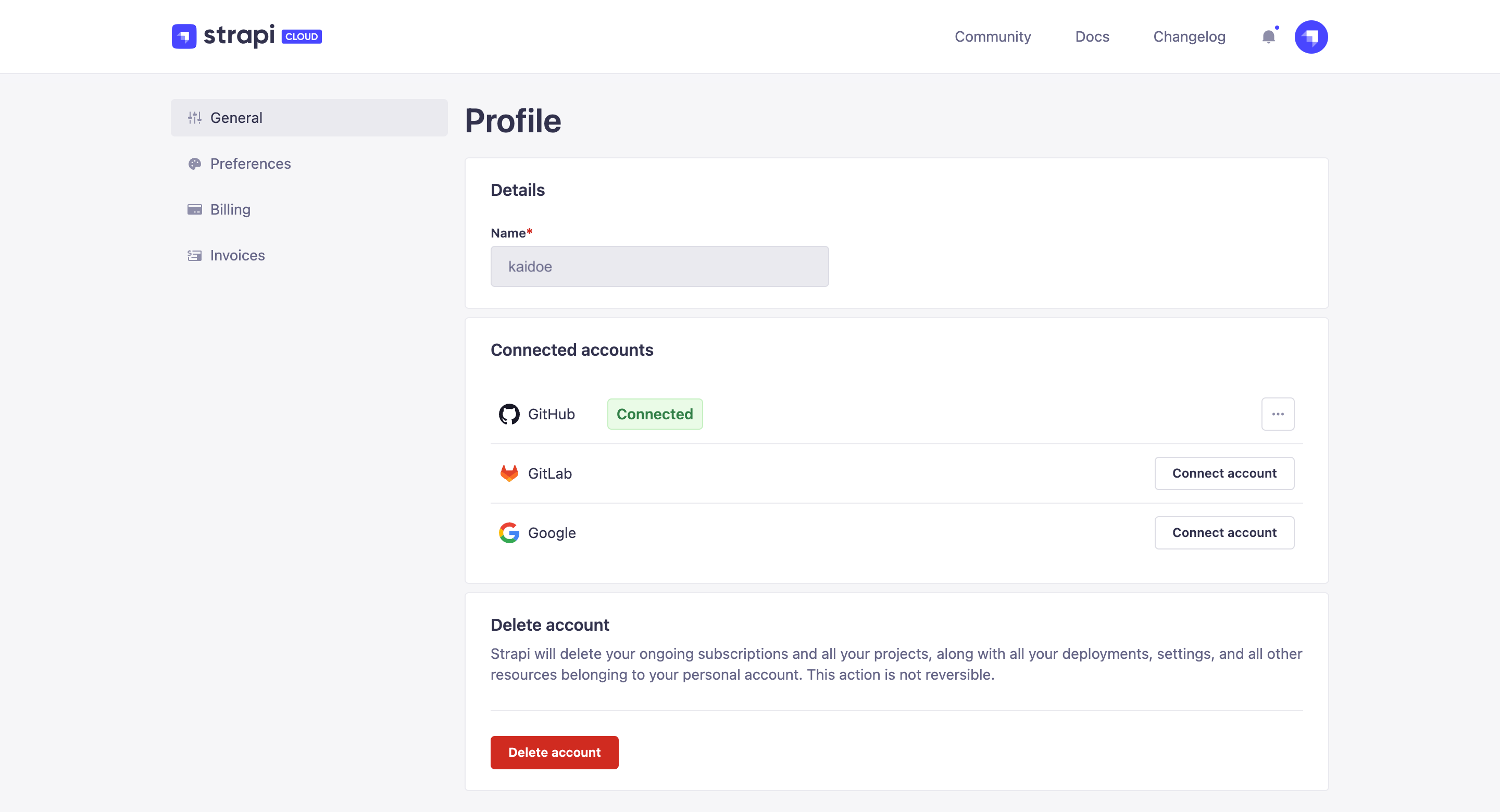
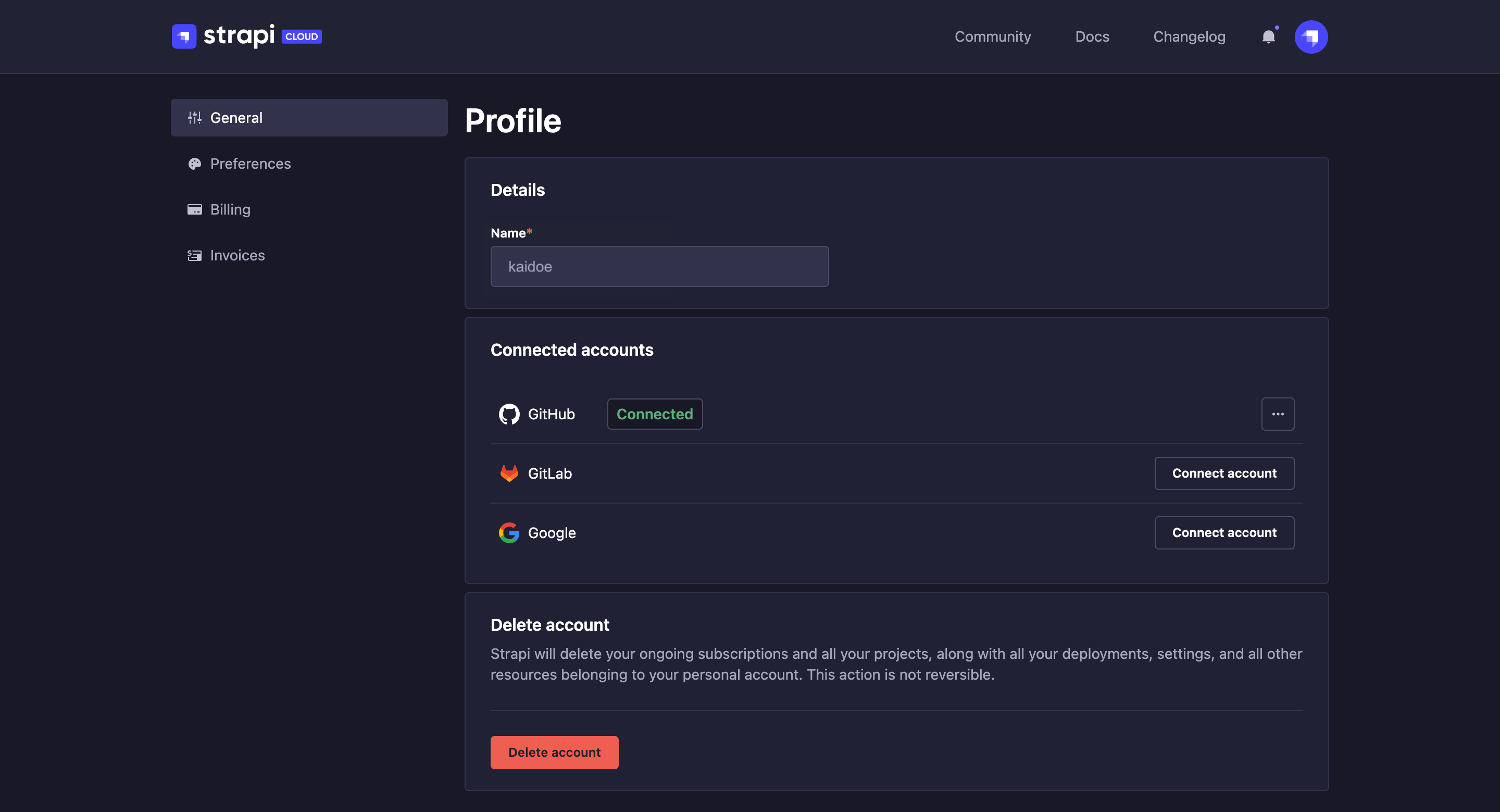
个人资料 页面使你能够管理你的账户详细信息和偏好设置。你可以通过点击界面右上角的个人头像,然后选择 个人资料 来访问该页面。
🌐 The Profile page enables you to manage your account details and preferences. It is accessible by clicking on your profile picture, on the top right hand corner of the interface, and Profile.
个人资料界面中有3个可用选项卡: 常规、 账单 和 发票(后两个在本指南的账户账单详情部分有说明)。
一般
🌐 General
“ 常规”选项卡允许你编辑账户资料的以下详细信息:
- 详情:查看与你的账户关联的名称。
- 已连接的账户:用于管理与你的 Strapi Cloud 账户关联的 Google、GitHub、GitLab 和电子邮件账户(请参阅 管理已连接的账户)。
- 删除账户:永久删除你的 Strapi Cloud 账户(参见 删除 Strapi Cloud 账户)。
管理已连接的账户
🌐 Managing connected accounts
你可以将 Google、GitLab、GitHub 和电子邮件账户连接到你的 Strapi Cloud 账户。已连接账户 部分列出了当前已连接到你的 Strapi Cloud 账户的账户。在此处,如果尚未连接,你也可以连接新的 Google、GitLab、GitHub 和电子邮件账户。
🌐 You can connect a Google, GitLab, GitHub and email account to your Strapi Cloud account. The Connected accounts section lists accounts that are currently connected to your Strapi Cloud account. From there you can also connect a new Google, GitLab, GitHub and email account if one is not already connected.
要将新的 Google、GitLab、GitHub 或电子邮件账户连接到你的 Strapi Cloud 账户,请点击 连接账户 按钮,并按照相应网站上的下一步操作进行操作。
🌐 To connect a new Google, GitLab, GitHub or email account to your Strapi Cloud account, click on the Connect account button and follow the next steps on the corresponding website.
你还可以点击已连接账户的三点按钮,然后点击“在……上管理”按钮,直接在相应网站上管理你的 GitHub、GitLab 或 Google 账户。
🌐 You can also click on the three dots button of a connected account and click on the "Manage on" button to manage your GitHub, GitLab or Google account directly on the corresponding website.
删除 Strapi Cloud 账户
🌐 Deleting Strapi Cloud account
你可以删除你的 Strapi Cloud 账户,但这是永久且不可逆的。所有相关的项目及其数据也将被删除,项目的订阅将自动取消。
🌐 You can delete your Strapi Cloud account, but it will be permanent and irreversible. All associated projects and their data will be deleted as well and the subscriptions for the projects will automatically be canceled.
- 在 常规选项卡的删除账户部分,点击删除账户按钮。
- 在对话框中,在文本框里输入
DELETE。 - 通过点击 删除 按钮确认删除你的账户。