云部署管理
🌐 Cloud deployments management
Page summary:部署触发器可以是手动的,也可以在 git 推送时自动触发,并且能够从仪表板或命令行接口取消正在进行的构建。
创建一个新的 Strapi Cloud 项目会自动触发该项目的部署。之后,部署可以是:
🌐 The creation of a new Strapi Cloud project automatically trigger the deployment of that project. After that, deployments can be:
如果需要,正在进行的部署也可以手动取消。
🌐 Ongoing deployments can also be manually canceled if needed.
触发新的部署
🌐 Triggering a new deployment
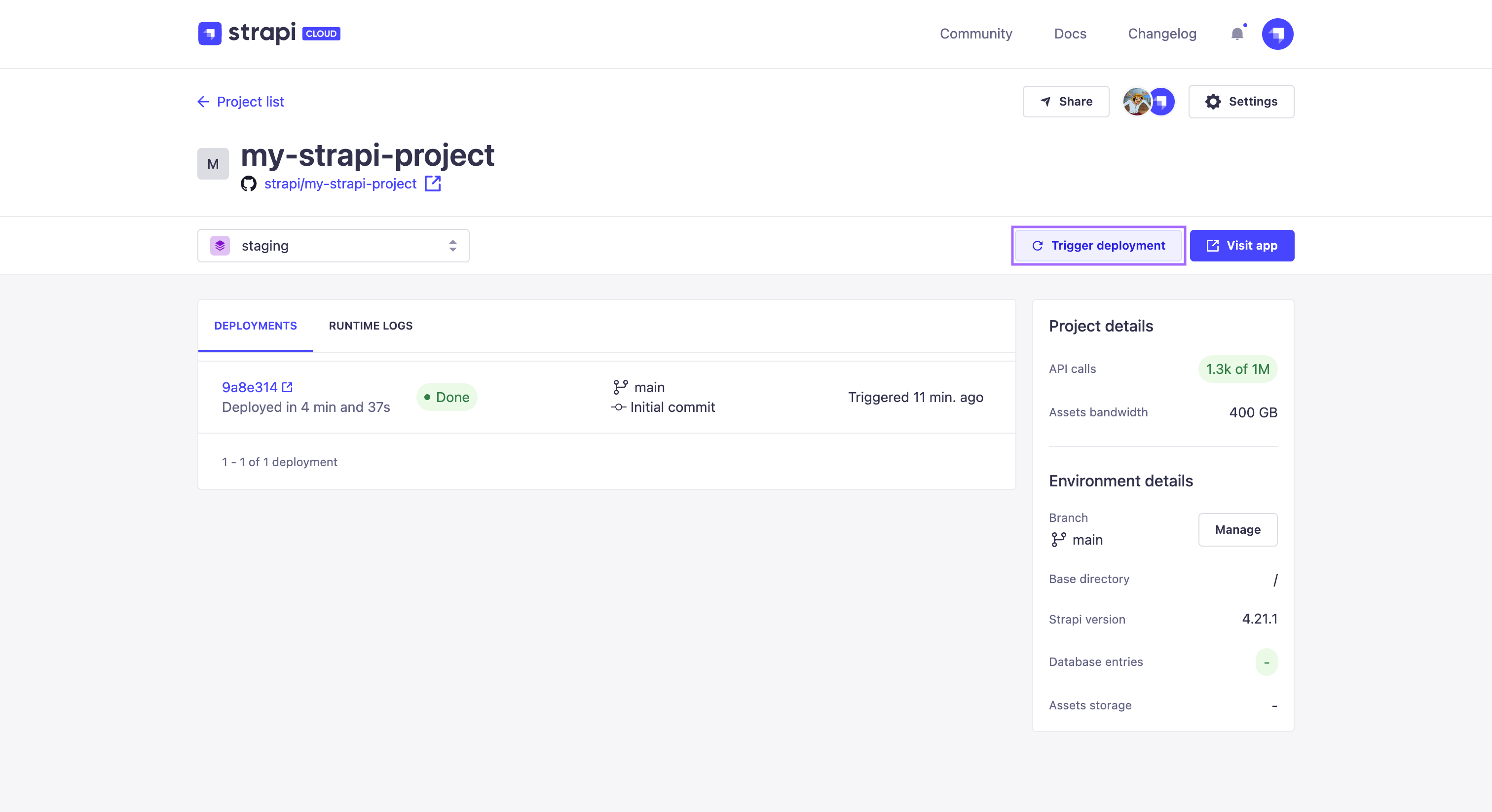
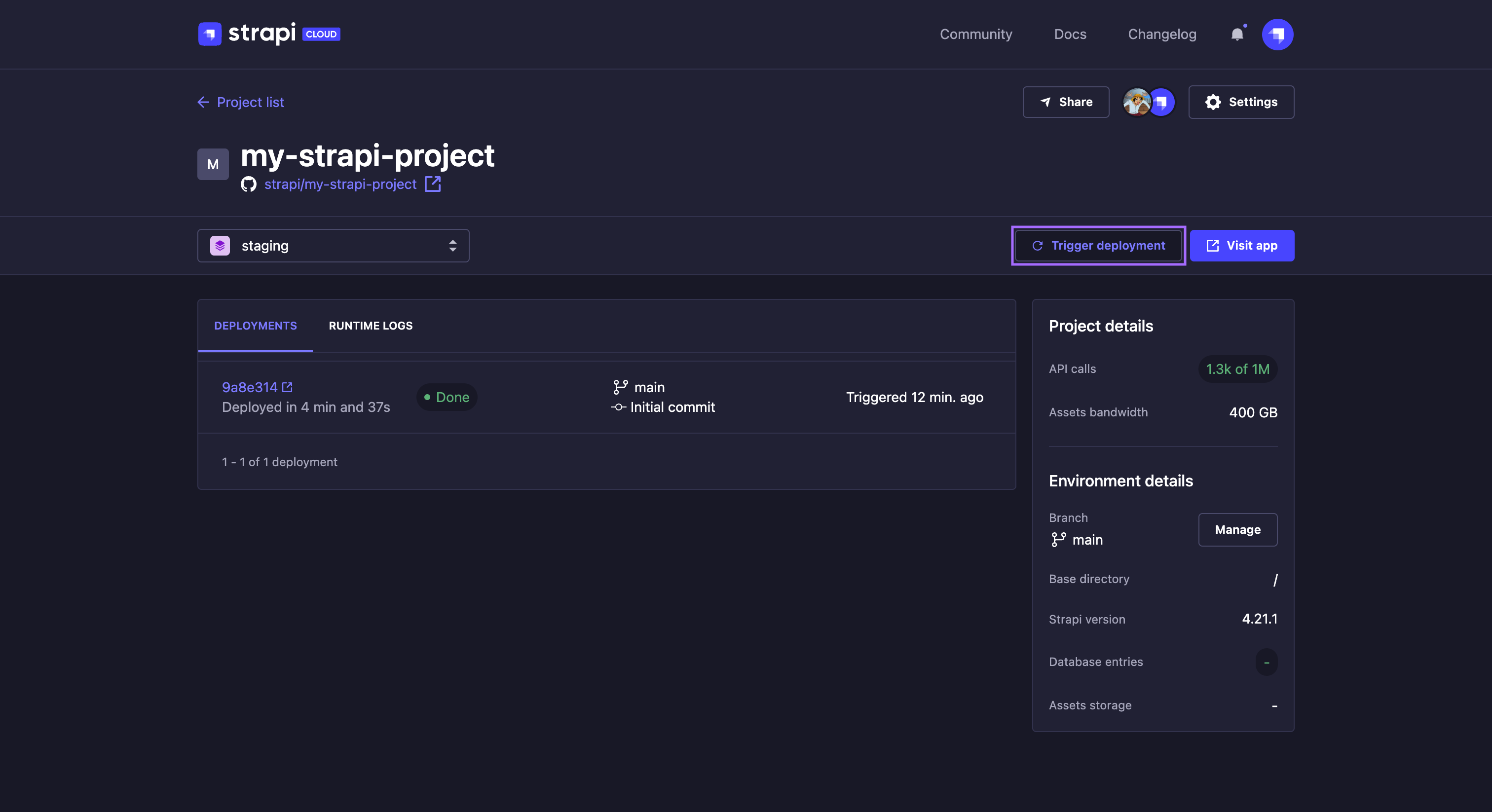
要手动触发项目的新部署,请点击项目仪表板标题右上角始终显示的触发部署按钮。此操作将在部署标签中添加一个新卡片,你可以在其中监控状态并实时查看部署日志(参见部署历史和日志)。
🌐 To manually trigger a new deployment for your project, click on the Trigger deployment button always displayed in the right corner of a project dashboard's header. This action will add a new card in the Deployments tab, where you can monitor the status and view the deployment logs live (see Deploy history and logs).
取消部署
🌐 Cancelling a deployment
如果出于任何原因你想取消正在进行且未完成的部署:
🌐 If for any reason you want to cancel an ongoing and unfinished deployment:
- 转到最新触发的部署的部署详细信息页面(参见访问日志详情)。
- 点击右上角的 取消部署 按钮。部署的状态将自动更改为 已取消。
你也可以从列出部署历史的 Deployments 标签中取消部署。处于 Building 状态的正在进行的部署卡片将显示一个  按钮,用于取消部署。
🌐 You can also cancel a deployment from the Deployments tab which lists the deployments history. The card of ongoing deployment with the Building status will display a button for cancelling the deployment.